Maximize Engagement in Virtual Meetings with These Proven Strategies
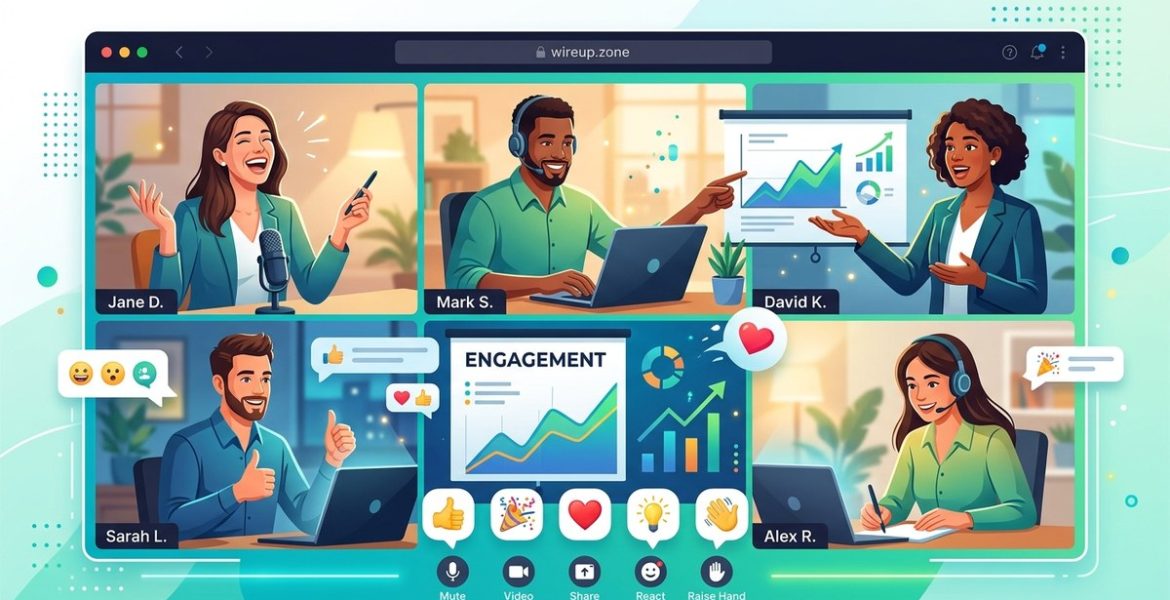
On 14 May 2026 by scarlettEngaging participants in virtual meetings can be challenging. When everyone is behind a screen, maintaining focus, participation, and energy requires intentional effort. Whether you’re leading a team, hosting a webinar, or facilitating a workshop, applying proven strategies can transform your online gatherings into dynamic, interactive experiences. Staying connected and encouraging active involvement keeps meetings productive and participants motivated. Let’s explore practical ways to make your virtual meetings more engaging and impactful.
Maximizing engagement in virtual meetings involves clear planning, interactive techniques, and fostering a welcoming environment. Use tools effectively, encourage participation, and keep sessions lively to boost productivity and connection among team members.
Clear Planning Sets the Tone for Engagement
Preparation is the foundation of a successful virtual meeting. When you plan thoughtfully, you create an environment where participants feel valued and motivated to contribute. Here’s how to set the stage for active involvement:
1. Define your meeting objectives clearly
Before sending out invites, clarify what you want to achieve. Are you making decisions, brainstorming, or sharing updates? Communicate these goals upfront. When participants understand the purpose, they’re more likely to stay engaged and contribute meaningfully.
2. Choose the right platform
Select a virtual meeting tool that matches your needs. Platforms like Zoom, Microsoft Teams, or Google Meet offer features such as breakout rooms, polls, and chat functions. Using a platform with interactive features helps keep attendees involved.
3. Create an engaging agenda
Draft a concise, well-structured agenda with time blocks for different activities. Include interactive segments like polls or Q&A sessions. Share this agenda beforehand so participants come prepared and know what to expect.
4. Share relevant materials in advance
Send out documents, slides, or prep work ahead of time. This allows participants to review and come prepared with ideas, making discussions more lively and informed.
Keep the Session Dynamic and Interactive
Once the meeting begins, maintaining energy and participation is essential. Here are techniques to make your virtual meetings more lively and inclusive:
5. Start with an icebreaker or check-in
Kick off with a quick activity that encourages sharing. For example, ask participants to share a positive highlight from their week or respond to a fun question. This warms up the group and fosters a collaborative atmosphere.
6. Use polls and quizzes
Polls are a simple way to gather opinions instantly. Platforms like Slido or integrated features in your meeting software make it easy. Use polls to gauge opinions, make decisions, or just add a fun element.
7. Encourage video usage
Seeing faces boosts connection and accountability. Politely encourage everyone to turn on their cameras. This visual presence helps simulate in-person interactions and makes conversations more natural.
8. Incorporate breakout rooms
Divide participants into small groups for focused discussions. Breakout rooms foster more intimate conversations and give everyone a chance to speak. Afterward, regroup and share insights.
9. Foster a safe environment for participation
Create a space where everyone feels comfortable sharing. Use inclusive language, acknowledge contributions, and ask open-ended questions. Prompt quieter attendees with direct but friendly invitations to share their thoughts.
Use Visuals and Interactive Elements
Visual aids and activities make meetings more engaging. They help clarify complex points and keep attention sharp.
10. Use visual aids effectively
Share slides or visuals that complement your talk. Keep slides simple, with key points and visuals that reinforce your message. Avoid clutter and make sure visuals are easy to interpret.
11. Incorporate interactive tools
Leverage collaborative tools like virtual whiteboards or shared documents. Platforms such as Miro or Jamboard enable real-time collaboration, making participants active contributors.
12. Schedule regular breaks
Long virtual meetings can drain energy. Plan short breaks to allow participants to stretch or refresh. This keeps minds alert and ready to engage when you return.
Mistakes That Sabotage Virtual Engagement
Understanding common pitfalls can help you avoid them. Here’s a table illustrating techniques that work versus mistakes that hinder participation:
| Techniques for engagement | Common mistakes to avoid |
|---|---|
| Using polls and quizzes to involve attendees | Relying solely on monologues or lengthy presentations |
| Encouraging video participation | Ignoring technical issues or neglecting backup plans |
| Breaking into small groups with breakout rooms | Overloading sessions with too many topics or long durations |
| Creating a welcoming environment for input | Overlooking quieter participants or dismissing ideas |
| Incorporating visual aids and shared tools | Using visuals that are confusing or irrelevant |
Expert Advice on Boosting Virtual Participation
“The key to engaging virtual participants is to make every person feel seen and heard. Use a mix of visual, auditory, and interactive techniques to cater to different communication styles.” — virtual engagement specialist
Final Touches for a More Engaged Virtual Meeting
Designing engaging virtual meetings is an ongoing process. Regularly solicit feedback from your attendees to learn what works and what can be improved. Simple adjustments like changing the format, experimenting with new tools, or varying activities can keep your sessions fresh and compelling.
Remember, the goal is to foster genuine connection and active participation. When everyone feels involved, meetings become more productive, enjoyable, and meaningful. Implement these strategies gradually and see how your virtual meetings transform into engaging, collaborative experiences.
Keeping the Momentum Alive
Maximizing engagement in virtual meetings is about intentional planning and creating an environment where participation feels natural. Use interactive tools, encourage openness, and keep energy levels high. Small changes can lead to big improvements in how your team connects and collaborates online. Start applying these ideas today and watch your meetings become more lively and productive.
Leave a Reply