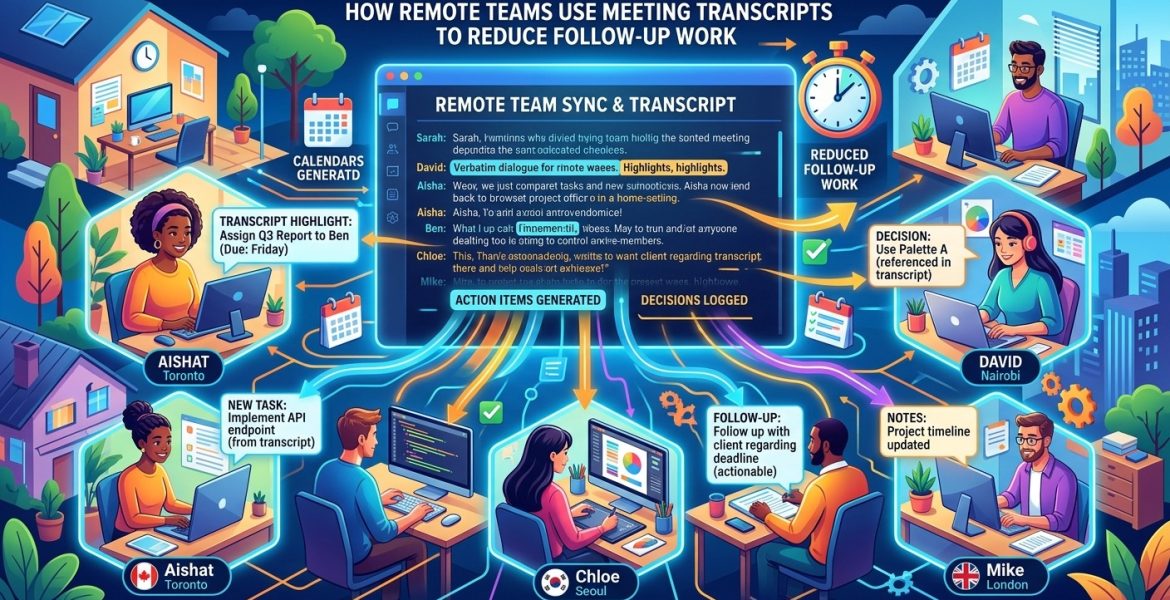
How Remote Teams Use Meeting Transcripts to Reduce Follow-Up Work
On 14 October 2026 by scarlettThe meeting ends. Ten minutes later, someone asks which option the team chose. An hour later, another person wants to know who owns the next step. By morning, a teammate in another time zone has started work from a different assumption. Your calendar says the meeting is finished. Your messages tell a different story.
Remote managers can interrupt that cycle by turning meeting discussions into concise async updates. A useful update captures the decision, names the person responsible, and gives a clear deadline. Meeting transcripts provide the raw material. The manager’s job is to turn that material into something teammates can act on without replaying the conversation.
Make the Meeting Useful After It Ends: Treat the transcript as working material for a short, shared update. Capture confirmed decisions, assign one owner to each action, and include deadlines with time zones. Keep unresolved questions visible. Ask owners to confirm their commitments, then track clarification messages and completed actions across comparable meetings. The aim is to give every teammate enough context to move forward, including people who could not attend.
Find the Gaps That Keep Conversations Running
Follow-up work often starts with a small ambiguity. Someone says, “We should get that ready next week.” Everyone nods. Nobody checks what “ready” means, which day matters, or who will do the work. The uncertainty stays hidden until someone needs to act.
Before changing your meeting process, look at the messages that arrive afterward. Are people asking what was decided? Are they checking ownership? Are they searching for a document mentioned during the call? Those questions show what your current handoff leaves out.
Separate clarification from useful collaboration. A teammate asking for feedback on a draft is moving the work forward. A teammate asking whether they were supposed to write that draft is trying to recover missing information. Your workflow should reduce the second kind of message while leaving room for the first.
This distinction also protects team culture. People should feel comfortable asking questions. Treat repeated clarification as feedback about the update, rather than a failure by the person reading it.
Close the Meeting With Commitments People Can Confirm
A transcript cannot supply agreement that never happened. Before everyone leaves, reserve a few minutes to confirm the outcomes. State each decision in plain language. Ask the person responsible for an action to confirm the expected result and deadline.
Be specific about what completion looks like. “Work on onboarding” leaves too much room for interpretation. “Share the revised onboarding checklist for review by Tuesday at 3 p.m. UTC” gives the owner and reviewers a usable commitment.
Give each action one accountable owner. Several people may contribute, but someone needs to notice delays, gather inputs, and report completion. An action assigned to “the operations team” can sit untouched because every member assumes another person has it.
Keep proposals separate from decisions. A participant suggesting a Friday launch does not mean the team approved it. If the date depends on a pending review, say that before the call ends. Clear closing language makes the later summary easier to trust.
Write an Update That Answers the Next Question
The best async update helps a reader understand what changed and what happens next. Open with a sentence explaining the meeting’s outcome. Then give each decision or action a short paragraph. Put the information people need to act on near the beginning.
Include enough reasoning to prevent the same debate from restarting. A decision to delay a launch might need one sentence explaining that the support guide is unfinished. Readers rarely need every argument from the discussion. They do need the constraint that shaped the choice.
A compact update might read: “The customer pilot will start on October 20 after the support guide is approved. Maya owns the guide and will share a review draft by October 16 at 2 p.m. UTC. Luis will confirm reviewer availability by October 14 at noon UTC. Broader rollout timing remains open until the pilot review.”
That paragraph distinguishes a decision, two commitments, and an unresolved issue. It also gives absent teammates a way to understand the work without asking an attendee to explain it privately.
If the meeting produced several unrelated outcomes, use short descriptive headings within the update. Keep the format consistent across recurring meetings. Readers should be able to find ownership and timing without learning a new layout every week.
Use the Transcript as Your Working Starting Point
Once the meeting ends, a Google Meet transcript can serve as the starting point for drafting the async update. Review the passages where participants settle a choice, accept responsibility, or agree on timing. Pull those outcomes into a separate draft instead of sending the full conversation as the handoff.
Read around each relevant passage. An early commitment may have changed later in the meeting. Someone might agree to deliver a draft on Thursday, then move the date after learning about a dependency. Your update should reflect the final agreement.
Check names, dates, and any wording that changes the meaning of an action. If the transcript leaves an owner unclear, confirm ownership before presenting it as settled. If the meeting never resolved a question, label it as open and identify who will resolve it.
When using an automated summarizer, ask it to separate decisions, actions, and unresolved questions. Review its draft against the conversation before sharing it. A neatly written sentence can still turn a tentative suggestion into an apparent commitment.
Keep the original transcript available to the people who need it, subject to your team’s access rules. The concise update should be the normal entry point. The transcript supports deeper context when a reader needs to check how the discussion developed.
Give the Update a Home Everyone Can Find
Choose one shared place for meeting outcomes. That might be a project page, a team channel, or an internal workspace. Use the place your team already checks for work, then publish the update there consistently.
Avoid maintaining separate versions in email, chat, and a document. Share a pointer to the main update when another channel needs visibility. If a deadline changes, edit the main record and explain the change where affected teammates will see it.
Ask action owners to confirm their commitments within an agreed response window. For a distributed team, that window should allow people to respond during their working hours. Silence should not count as acceptance.
Once owners confirm, move actions into your existing task system if that is where completion is tracked. Keep the decision context connected to the task. A teammate opening an assignment later should understand both the deliverable and the reason behind it.
Count the Messages That the Update Should Have Answered
To assess results, establish a baseline before changing the workflow. Review several comparable meetings and count follow-up messages that ask about decisions, ownership, deadlines, or agreed scope. Choose a fixed observation window, such as the first two business days after each meeting.
Use the same counting rule throughout the trial. You might count each clarification message, including repeated questions from different people. Another option is to count clarification threads. Pick one unit and document it so your numbers remain comparable.
For example, imagine four weekly planning meetings generated 32 clarification messages before the change. That is an average of eight per meeting. Four comparable meetings using the new update format generate 12 messages, or three per meeting. In this hypothetical example, clarification volume falls by 62.5%.
Read the remaining messages as part of the review. Lower volume is encouraging only if people still have what they need. Check whether questions moved into private conversations or whether teammates stopped asking because they felt discouraged.
Track repeat meetings separately. Record when a follow-up call exists mainly to restate a decision or recover missing context. A discussion needed to resolve a new problem belongs in a different category.
Check Whether Action Items Reach Completion
Message volume tells you about communication friction. Action-item completion tells you whether the handoff supports delivery. Track the percentage of actions due during the review period that were completed by their agreed deadlines.
Divide the number completed on time by the total number due, then multiply by 100. If 15 of 20 due actions finish on time, the rate is 75%. Actions with deadlines beyond the review period should stay outside that calculation.
Agree on the evidence needed to mark an action complete. A draft might be complete when it is shared with reviewers. A publishing task might require the material to be available to its intended audience. The completion rule should match the original commitment.
Record deadline changes transparently. If you overwrite the original date every time work slips, the metric can hide problems. Keep a brief note explaining whether the cause was unclear scope, a dependency, workload, or a changed priority.
Compare completion rates alongside clarification volume across similar meeting types. Fewer questions and better on-time completion suggest the handoff is helping. Fewer questions with weaker completion calls for closer inspection. The update may be missing a dependency or asking people to accept unrealistic deadlines.
Keep the Process Lighter Than the Problem
Start with one recurring meeting that produces clear actions. Use the same update format for several cycles, then review the results with the team. Ask which details helped them act and which details they skipped.
Watch the effort required to prepare each update. If drafting and correcting it takes longer than the follow-up work it removes, shorten the format or improve the way commitments are confirmed during the meeting.
Tool choices should support this routine. Check whether a tool makes it easy to review the transcript, correct a summary, share an update, and connect actions to existing work. Test those steps during a trial. A feature matters when it removes a real obstacle for your team.
Let the Meeting End With a Usable Handoff
A remote meeting has done its job when teammates can act on its outcome across different schedules. That requires a clear record of what the team decided, who owns the next step, and when that step is due.
Use transcripts to build that record, then keep the published update concise. Confirm commitments, make unresolved questions visible, and measure what happens afterward. With a dependable handoff, managers can spend less time reconstructing conversations and more time helping the team finish the work.
Leave a Reply